Launch offer
Paid plans from ₹149/month Save up to 50% with introductory launch pricing.
Ends in
-- Hrs -- Min -- Sec
Offer ends 25 December 2026
View launch pricing

Turn every link into a smarter growth channel.

Create clean short links, QR-ready campaigns, and simple tracking from one focused workspace.

Destination URL

Paste the web address you want to shorten.

By clicking Generate Link, you agree to our Terms of Service and Privacy Policy.

Live preview Demo result

Your smarter link preview

Paste a destination URL to turn this sample into a clean, trackable Linocks link.

Your short link is ready!

Share your link anywhere.

Create a QR Code

Customize your QR before sharing it anywhere.

1. Enter your URL destination

2. Select a style (optional)

Pattern
Classic Rounded Dotted Bold
Corners
Square Rounded Soft

3. Choose your color (optional)

4. Select a frame (optional)

No frame Square SCAN ME Scan me Brand

5. Add logo (optional)

By clicking Generate QR, you agree to our Terms of Service and Privacy Policy.

QR preview Linocks campaign
Uploaded logo preview
Preview your QR style live. Generate it when you are ready to copy or save.

No credit card required

Download your QR or copy the link to share it anywhere.

Sign up to save
FAQ

Frequently asked questions about QR codes

Clear answers before you create and use your next QR code.

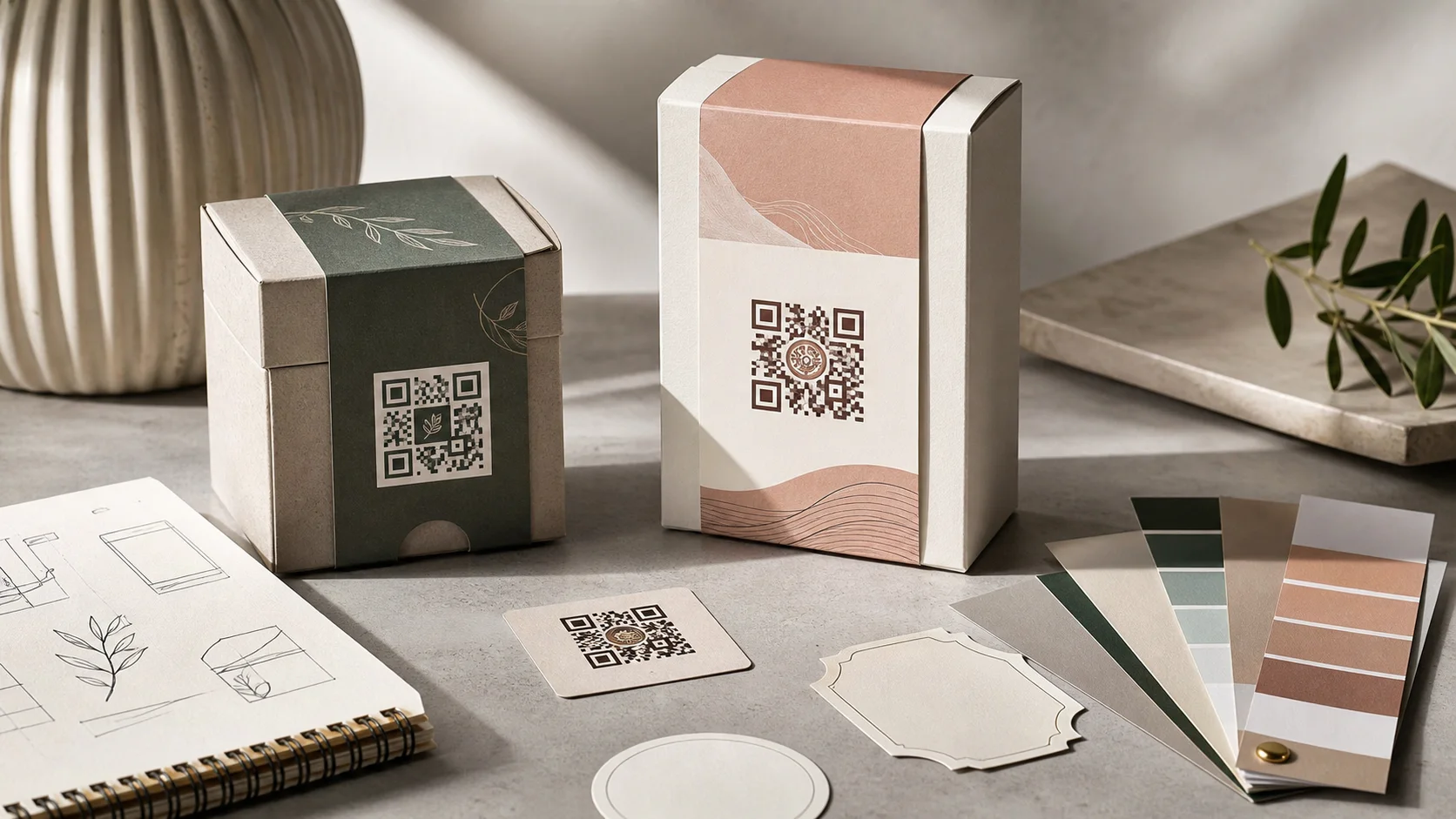
Yes. You can use the available customization options to adjust elements such as colours, style, frame and logo where supported by the current generator.

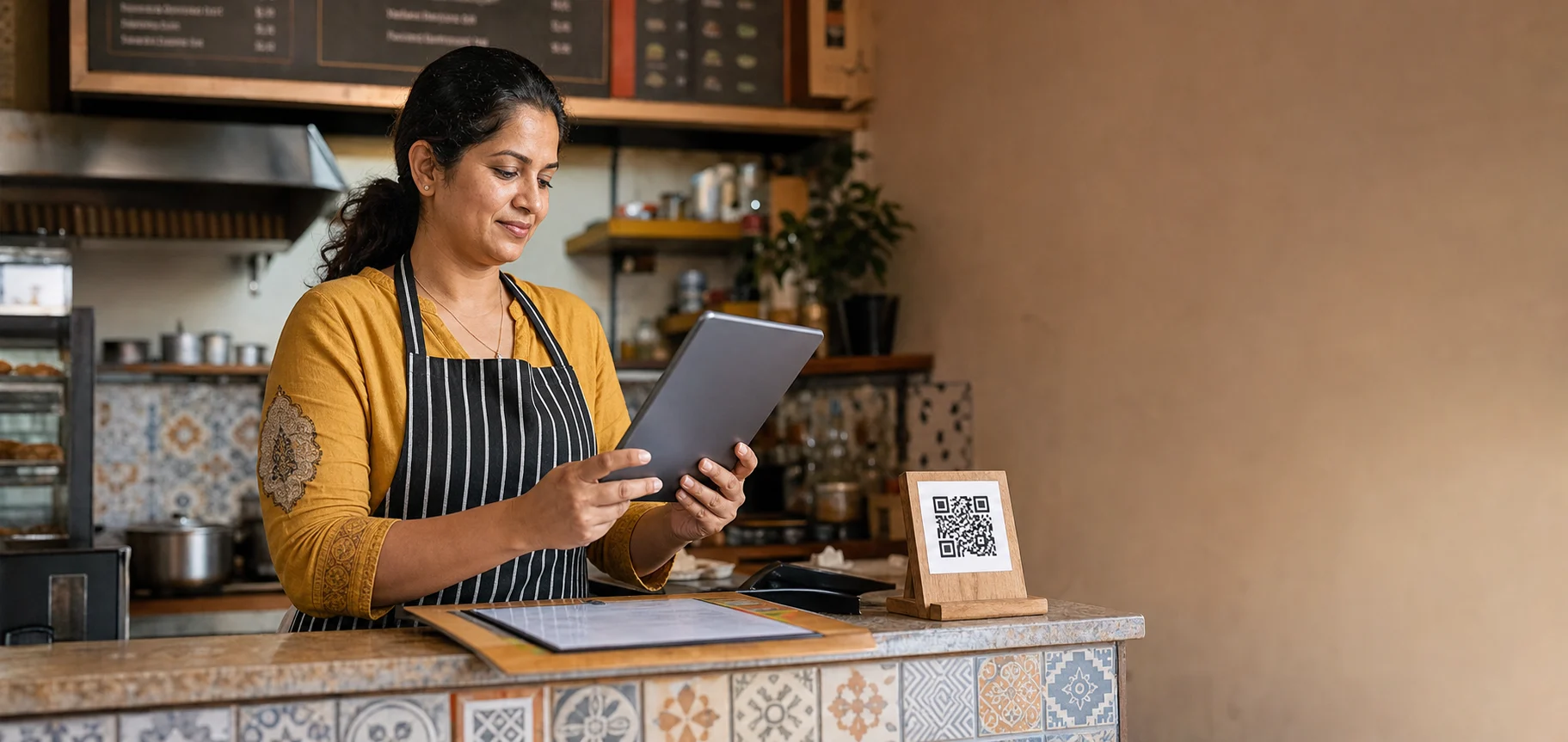
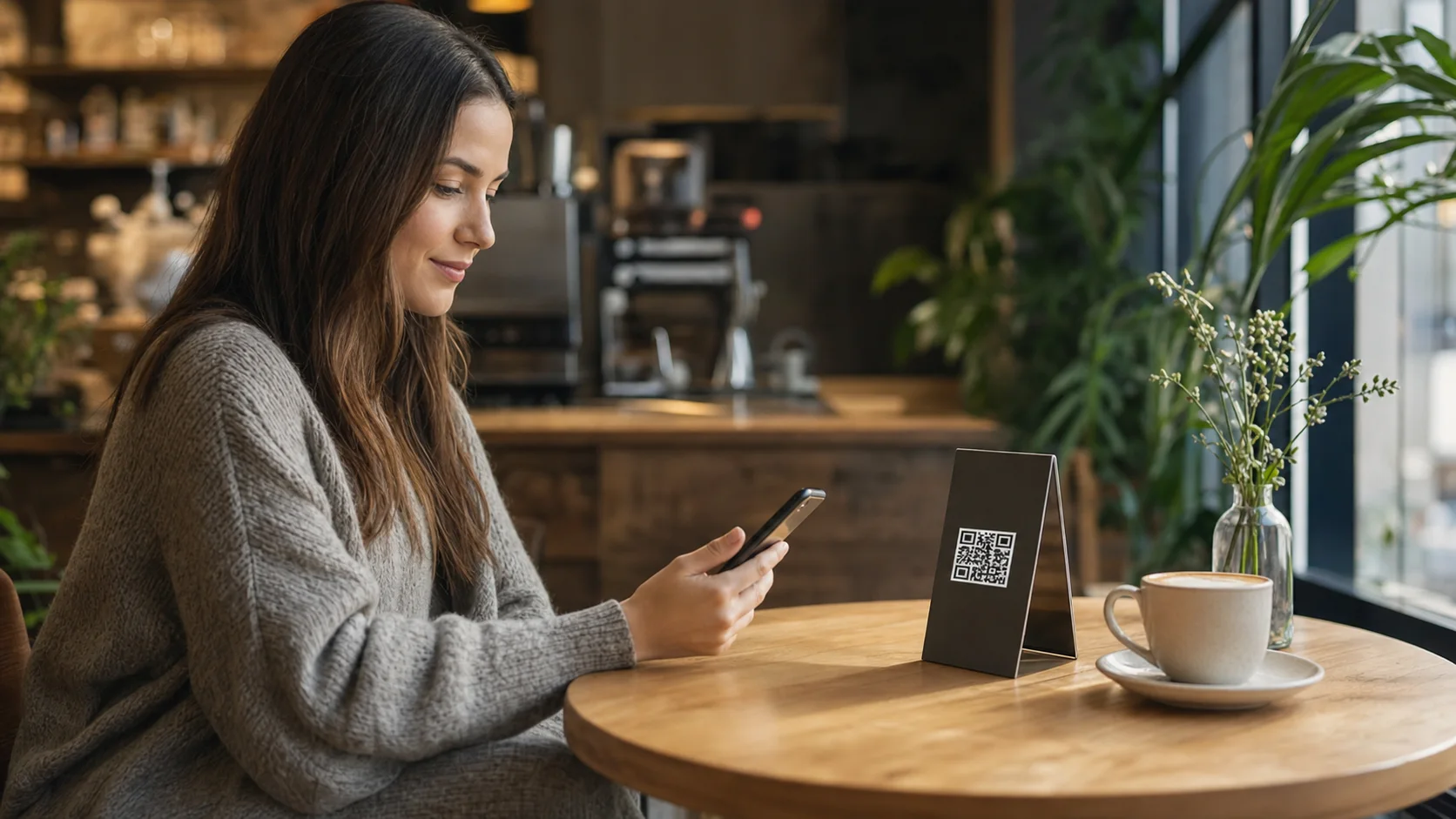
You can place it on menus, posters, product packaging, counters, event material, social posts and other locations where people can scan it clearly.

Yes. Paste the destination you want people to visit and Linocks will create a QR code connected to that page.

When tracking is available for your generated QR link, Linocks can show scan activity such as devices, locations and campaign engagement according to your analytics access.

Yes. QR codes can connect offline material to product pages, offers, forms, menus, events and campaign landing pages.

You will be asked to create an account so you can continue creating, saving and managing QR codes.